Best value
Everything Bundle
All three optimizers, plus Crosshair, in one license.
- Sound Optimizer
- Game Optimizer
- Curve Optimizer
- Crosshair
One license. Every module. Your complete Tenhjo setup.
 TenhjoPerformance software
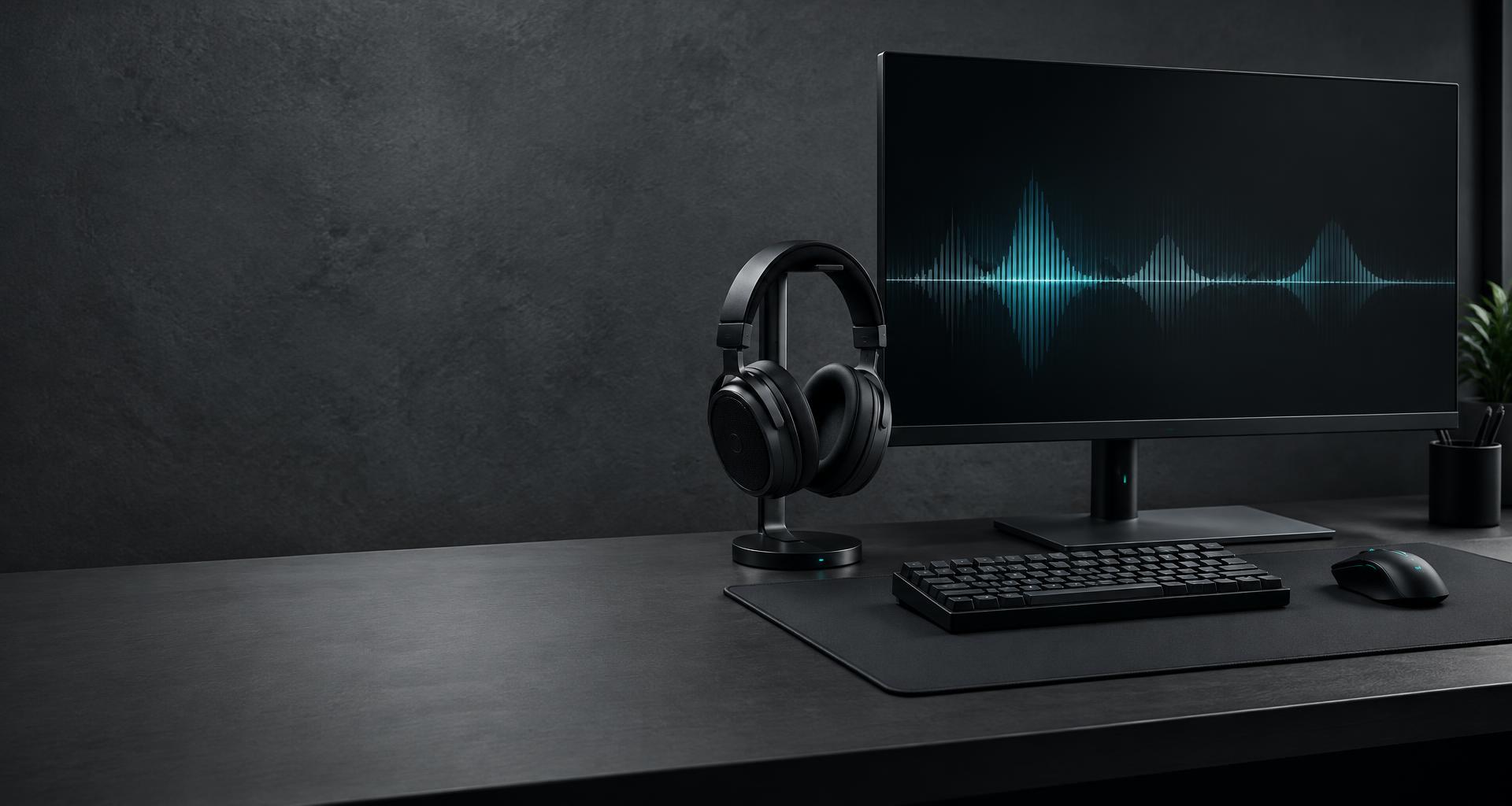
Built for competitive Windows setups
Every detail makes a difference.
Hear the next move. Find your rhythm. Fine-tune your aim. Focused software for the setup you take seriously.
The collection
Three focused optimizers. One complete bundle. Tenhjo Crosshair included with every license.
Best value
All three optimizers, plus Crosshair, in one license.
One license. Every module. Your complete Tenhjo setup.
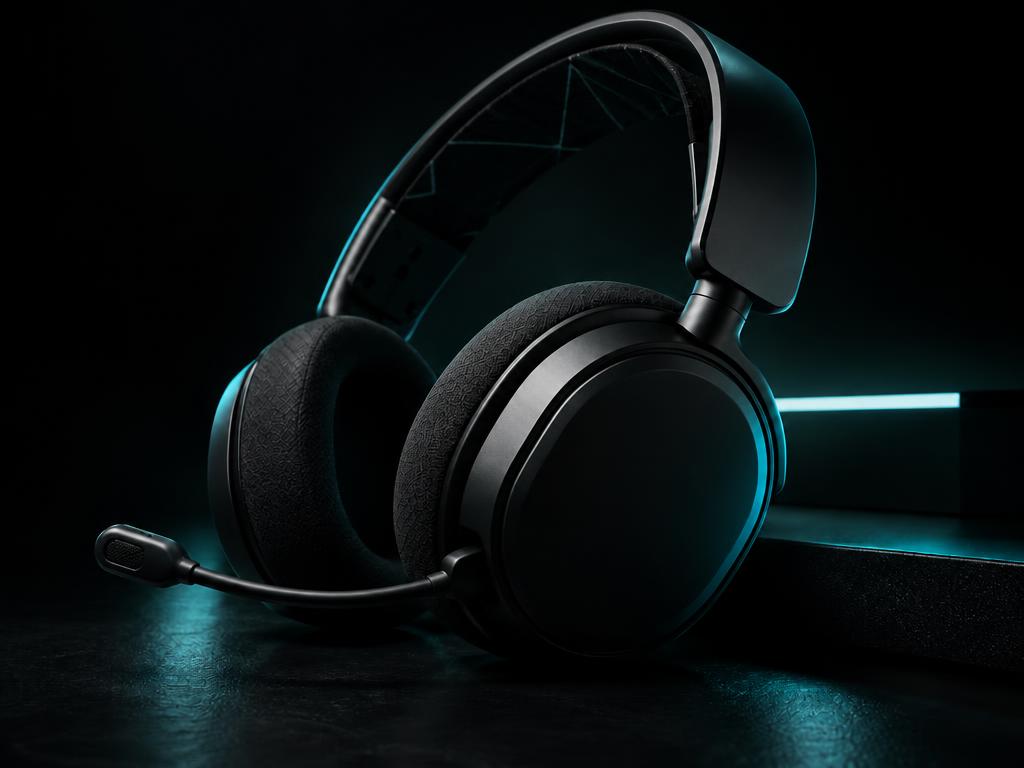
Audio
Most popular — best seller
Local real-time audio processing for competitive listening. Our most trusted module.
Crosshair included
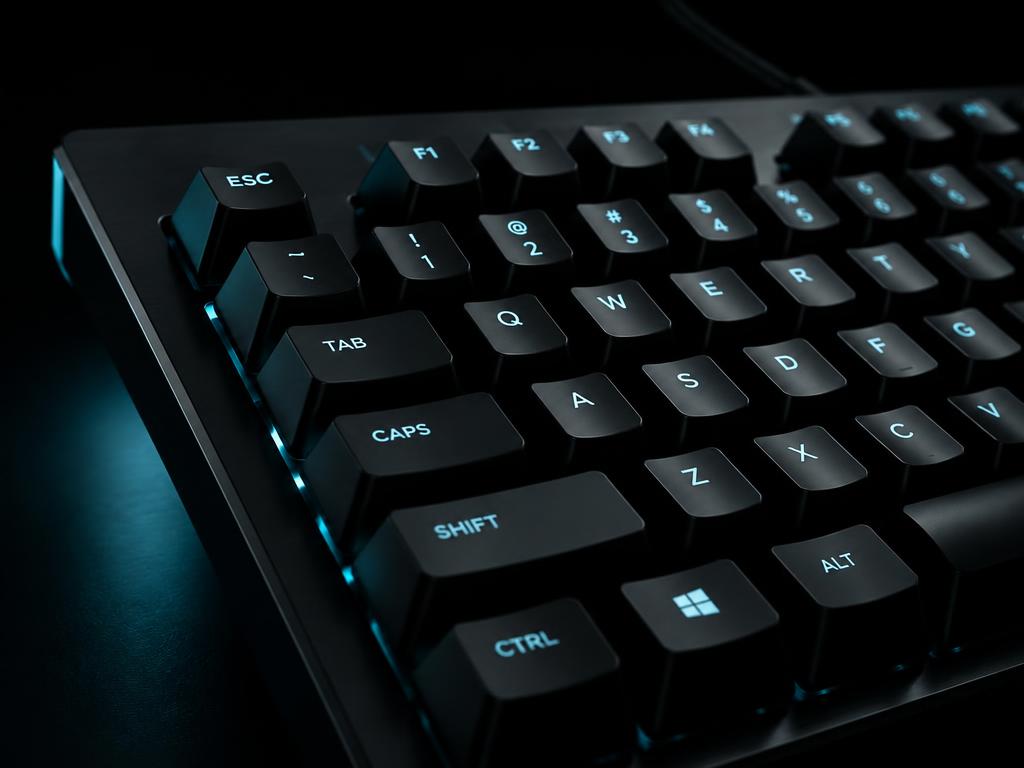
System
Safe Windows tuning for consistent frame delivery and input.
Crosshair included
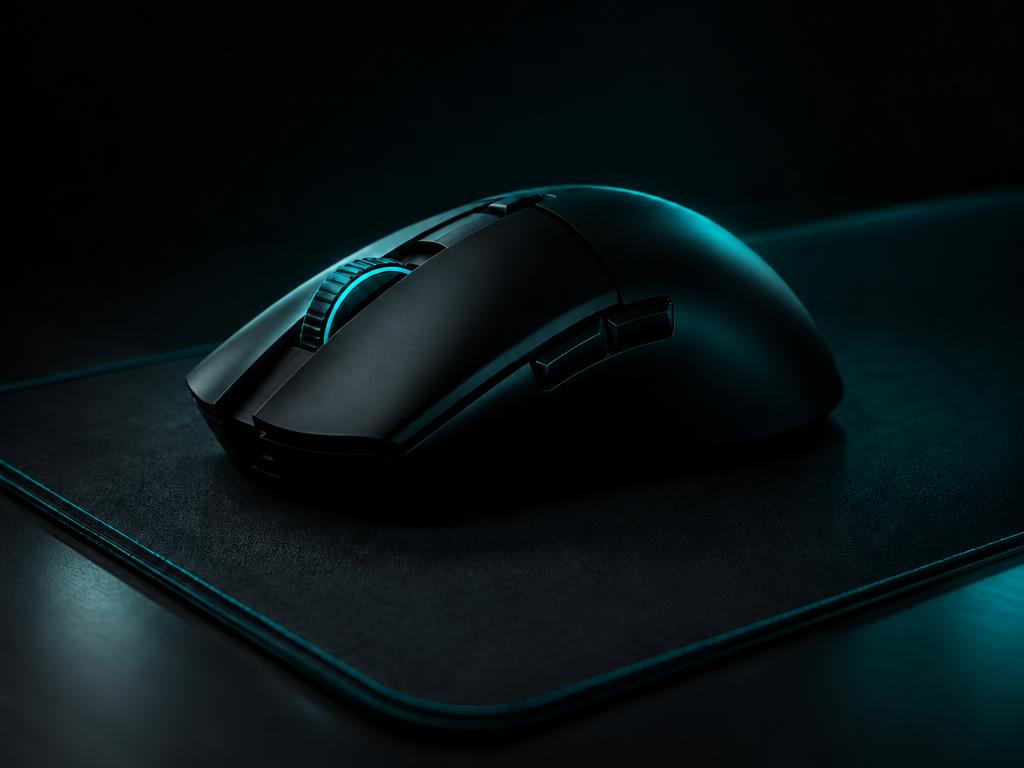
Aim
Mouse response tuning for steadier tracking and repeatable aim.
Crosshair included
Tenhjo Crosshair is included with every optimizer license — not sold separately.
IncludedInside Tenhjo
See your audio route, choose a game profile, and tune the details. A local Windows workspace that keeps your setup in focus.
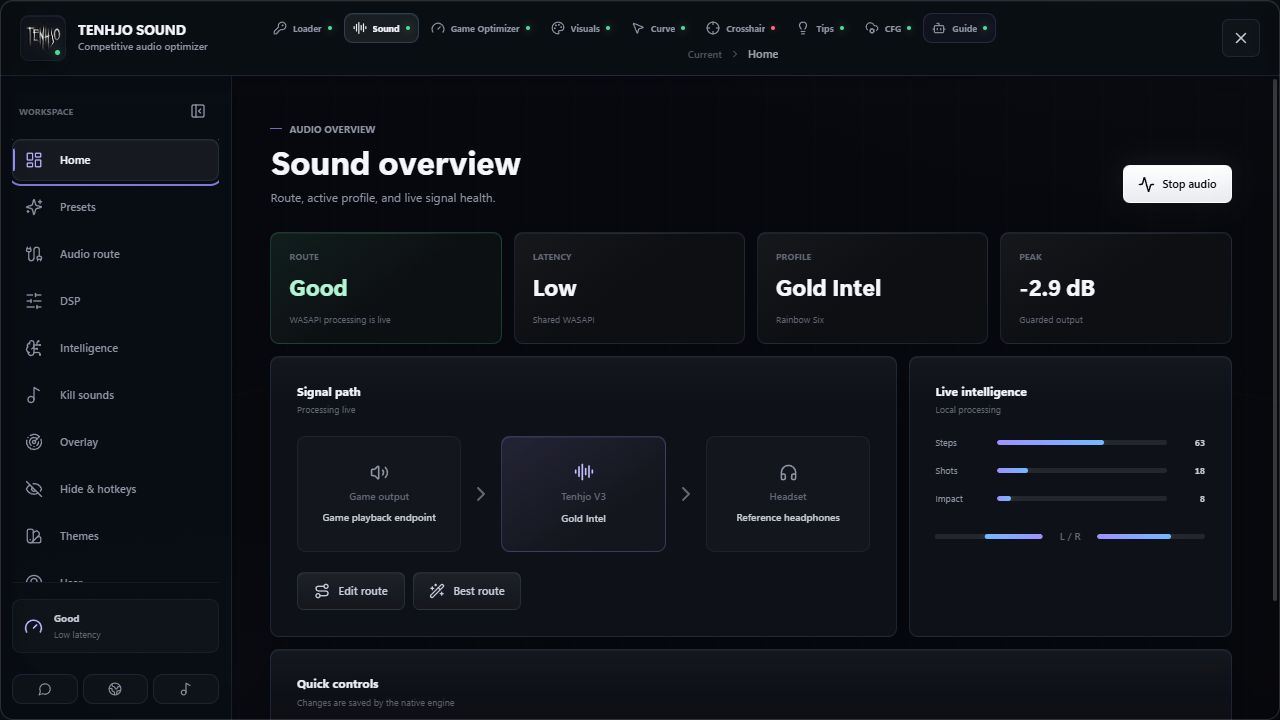
Game-specific audio shaping, directional clarity and guarded output.
Frame delivery, input response and saved profiles for your setup.
Local processing. No game-process injection. No game-memory access.
Built around your game
Eight profiles ship with V3. Choose a title in the loader and Tenhjo changes the audio behavior, visual defaults, and profile space around what matters in that game.
Balanced, safe clarity for games without a dedicated profile.
Safe baseline
Footstep clarity, drone safety, restrained low-end, precise direction.
Tactical intelligence
Ability separation, movement cues, controlled high-end.
Ability separation
Left/right precision, utility detail, bomb cues, voice-aware clarity.
Positional accuracy
Build, edit, and movement clarity with dense-effect control.
Chaos controlVertical combat, movement, ability and explosion separation.
Vertical awarenessFootsteps, raid and build cues, ambient control, dark-area readability.
Survival detailMovement, plates and reloads, doors, and gunfire cleanup.
Dense combat controlGetting started
Send the game through an unused playback endpoint, capture that endpoint in Tenhjo, then render to your real headset or IEM.
Restart the game after changing its output device.
Good to know
No. Tenhjo is an audio and visual utility. It does not inject into games or read game memory.
No forced 7.1 layer is added. Tenhjo preserves the game's stereo information and applies lightweight processing.
Choose an individual optimizer for a specific part of your setup, or the Everything Bundle for all three. Both 30-day and lifetime licenses are available. Crosshair is included with every optimizer license.